Development
Making product pages feel effortless
A useful product page answers the next question before it becomes a reason to leave.
Start with the buying questions
Before choosing a layout, write down what someone needs to know: how the product looks, how it fits their life, what it costs, and what happens after ordering. The hierarchy should reflect that sequence rather than the order a business happens to store its data.
Give imagery a job
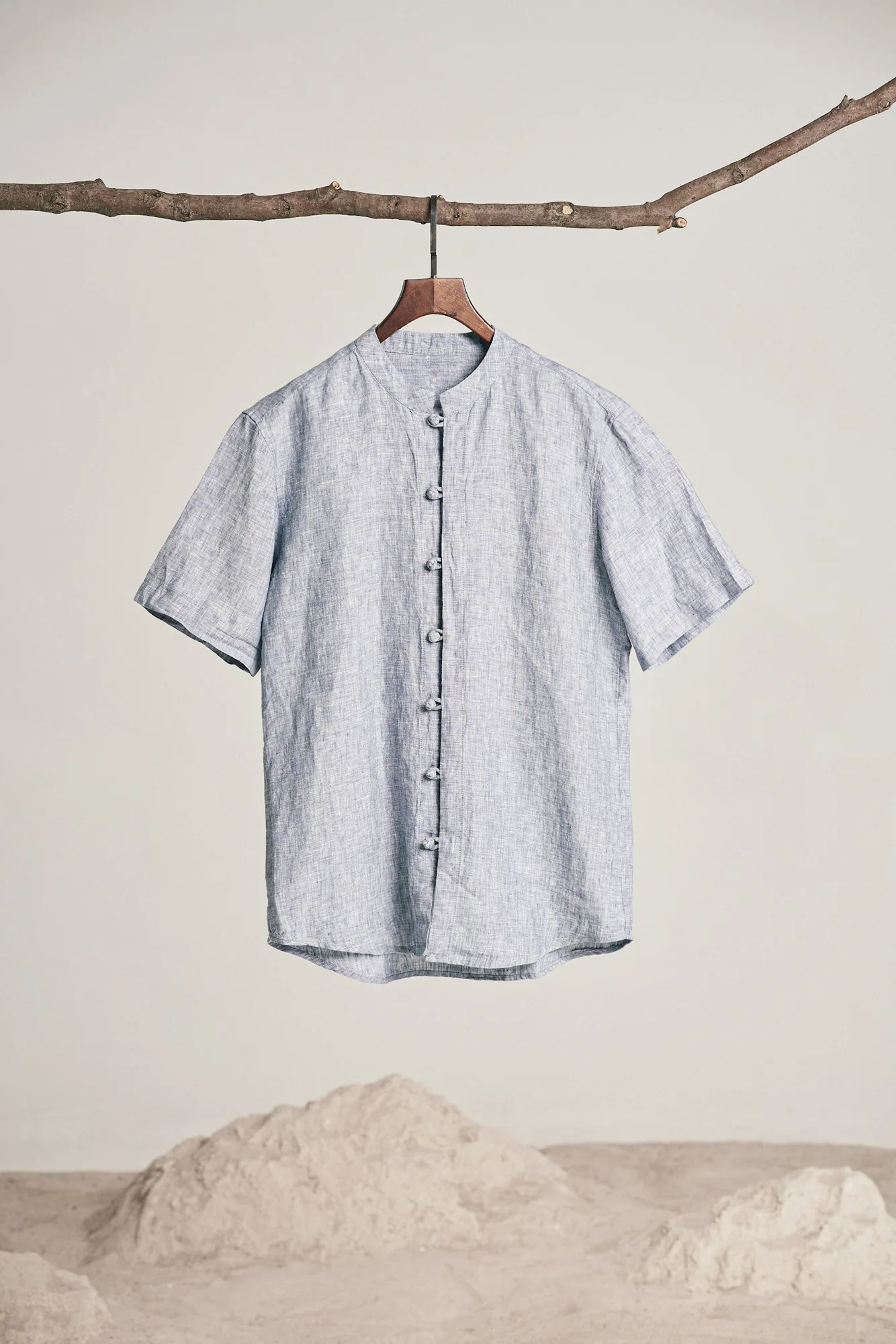
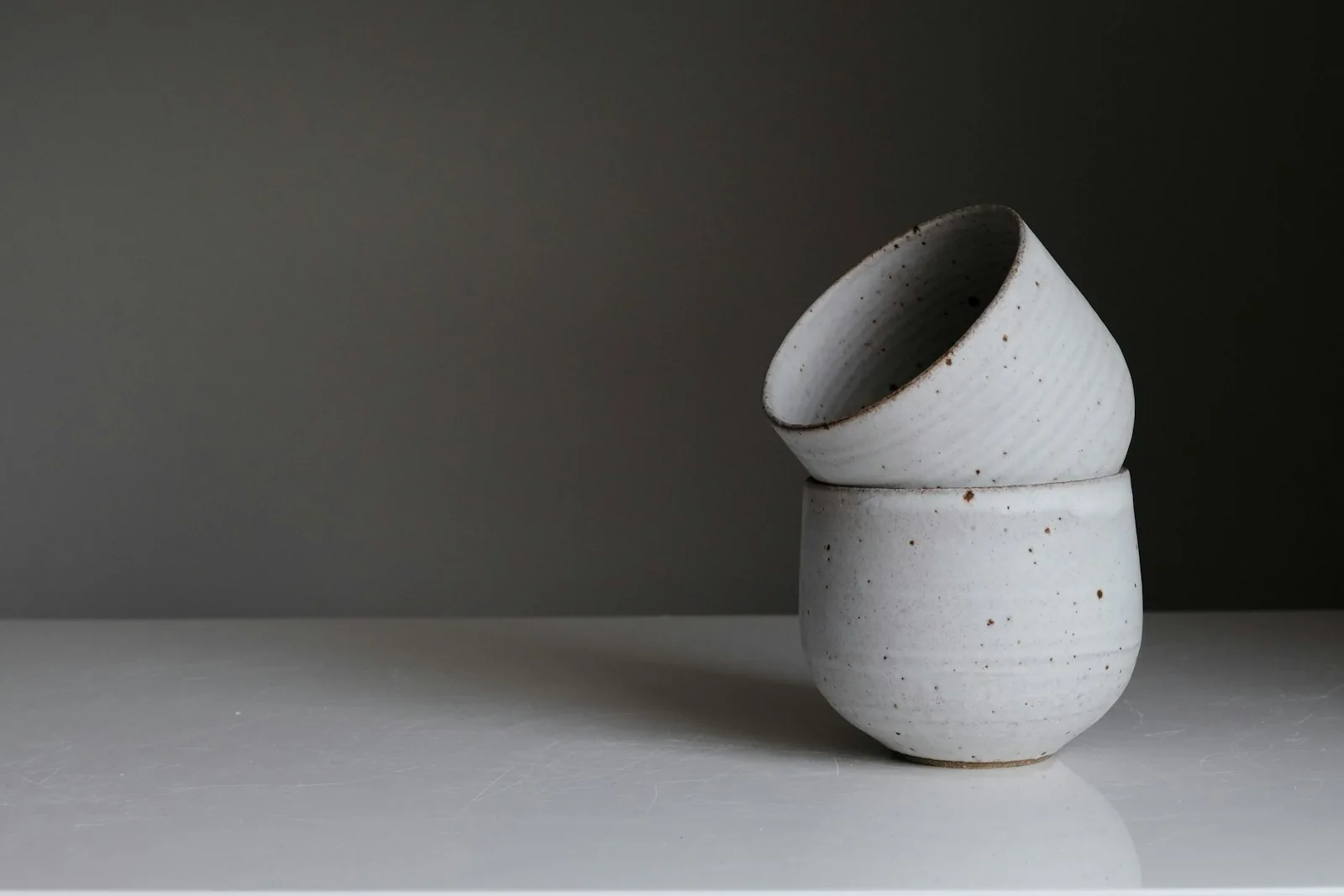
A strong first image establishes character. Subsequent images should explain scale, texture, fit, or use. Repeating similar photographs makes a page longer without making the decision easier. Pair editorial images with practical close-ups and descriptive alternative text.
Keep choices understandable
Use clear labels for variants and show unavailable options before someone reaches the final action. Preserve selections when a person moves between views. Small details such as a readable size guide and visible delivery information remove unnecessary uncertainty.
Validate the whole journey
Test on a narrow screen with a keyboard and a slow connection. A polished product page is useful only when the next steps remain understandable. Measure completed tasks and recurring questions, then refine the points where people hesitate.